

The prompt is the spec
Say what to show, in plain words. The agent writes a Playwright scenario, records it, words the callouts, checks the frames and renders the MP4.

The Orbit example, recorded and rendered by CI on every push. ▶ Watch the 1-minute launch video, made with reelson itself.
Why reelson
The prompt is the spec
Say what to show, in plain words. The agent writes a Playwright scenario, records it, words the callouts, checks the frames and renders the MP4.
Looks hand-made
An eased, slightly imperfect cursor, uneven typing and zooms that follow the cursor. A branded intro, a recap and an outro, with your logo, colours and music.
Re-records in ~20 s
After a redesign, reelson verify --all re-runs every demo headless. Callouts follow
their markers and zooms follow their clicks, so nothing needs re-timing.
Every format
16:9, a phone take for 9:16, a square take for 1:1, a GIF for the README, .srt/.vtt
captions, an optional voice-over and one-command uploads to YouTube.
How it works
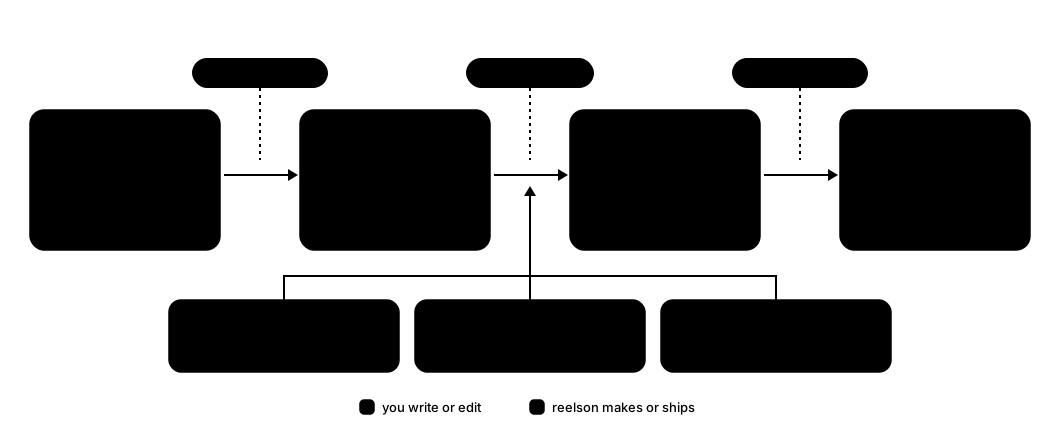
You commit three small files per video: scenario.ts (what happens), markers.json (when it
happened) and video.json (how it looks). Everything else is generated.
Start in two minutes
Install the CLI and link the skills into your agent:
npm install -g reelsonreelson installPaste this into Claude Code, Codex or your agent, inside your project:
Make a demo video of <the feature>. The app runs on <http://localhost:3000>.Steps: 1. … 2. … 3. … Title "<Title>". Slug <kebab-case-slug>.Open <videosDir>/<slug>/video/renders/<slug>.mp4.